From a course enquiry to enrollment follow-up
A practical path connecting customer conversations, details and follow-up ownership in Message Pro, with channels and automation configured around your operation.
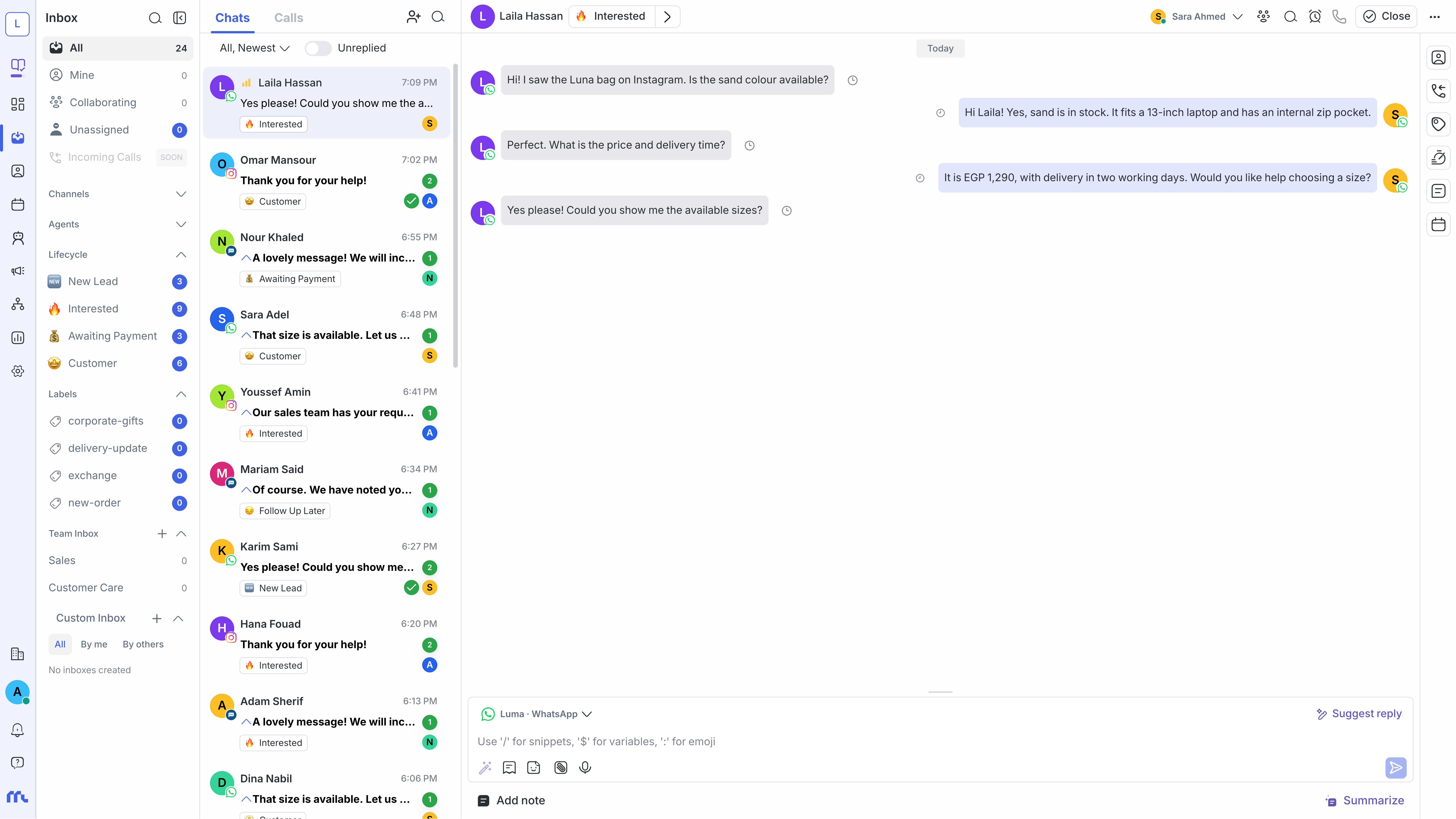
Where it helps
- Collect programme, schedule and enrollment enquiries from available channels.
- Label interest by programme or branch and assign a follow-up owner.
- Prepare agent knowledge from approved programme information and hand exceptions to the team.
An example workflow
1
A programme enquiry arrives
2
Identify programme, branch and follow-up preference
3
AI answers from knowledge or hands off to a teammate
4
The team follows enrollment and updates contact details
Prepare before launch
- Channel accounts and connection permissions.
- Teams, branches and ownership for each request type.
- Approved response information and only necessary customer details.
- Integrations, messages and human-handoff rules.
How to evaluate the setup
Start with sample conversations and check message delivery, clear ownership and accurate data. Review response, resolution and team feedback before increasing volume.