Understand your team through its conversations
Review conversation volume, response and resolution, assignments and customer satisfaction. Start with a clear question, then choose the report, period and filters that answer it.
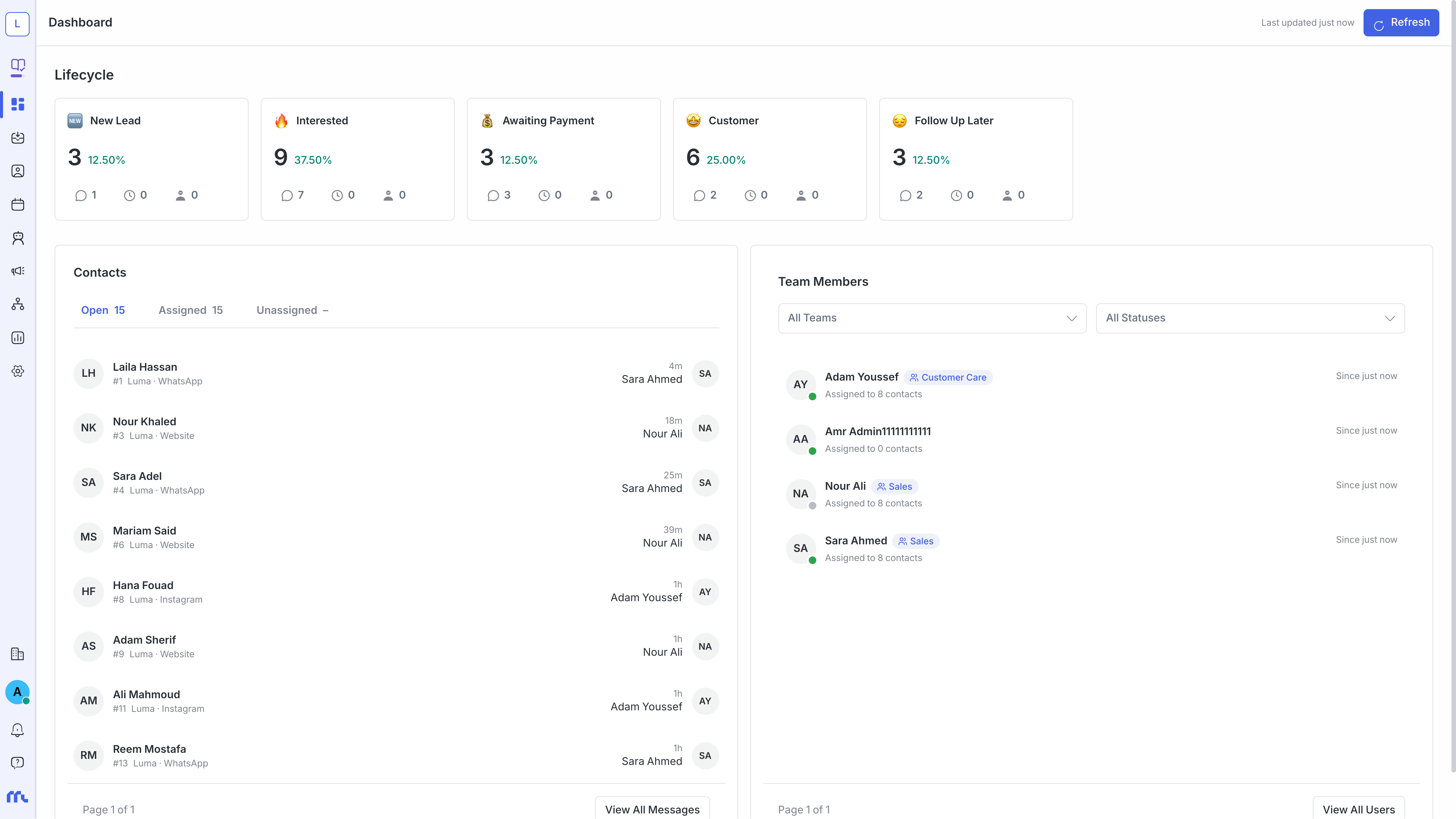
Turn an operational question into a useful report
Is demand growing? Are replies slower on one channel? Are conversations being resolved or accumulating? Use reporting alongside conversation context to investigate.
- Review conversations and messages over your selected period.
- Explore response, resolution, assignment and team performance.
- Review contacts, advertising and CSAT reports where data is available.
Understand the metric before comparing
| Metric | What to review | Before deciding |
|---|---|---|
| Conversation volume | Conversations in the selected period and scope. | Use comparable periods and filters. |
| Response | Reply timing according to the report definition. | Distinguish first response from later replies and review working hours. |
| Resolution | Resolved conversations and resolution timing. | Check how reopened conversations are counted. |
| CSAT | Ratings from enabled satisfaction surveys. | Consider sample size; no response is not a negative rating. |
A repeatable weekly review
Choose a question
Select a metric related to an operational issue, such as follow-up delays on one channel.
Set the scope
Choose the period and timezone, then inbox, team or agent filters where supported.
Compare and investigate
Compare with a similar period and inspect conversations to understand the change.
Share the result
Use CSV export where offered and keep the period and filters with the exported file.
Turn a finding into action
Adjust coverage when incoming demand peaks. For recurring low ratings, inspect conversations, canned replies and the knowledge used by AI.
Common questions
Can every report be exported?
Use CSV export on reports that offer it. Check the period and filters before exporting; formats can differ between reports.
Are metrics enough to assess an agent?
Combine metrics with request complexity, working hours, assignment history and conversation review for a fair comparison.