Organize clinic enquiries and appointments
A practical path connecting customer conversations, details and follow-up ownership in Message Pro, with channels and automation configured around your operation.
Where it helps
- Bring service and appointment enquiries into the reception inbox.
- Collect necessary booking details and route to the correct branch or teammate.
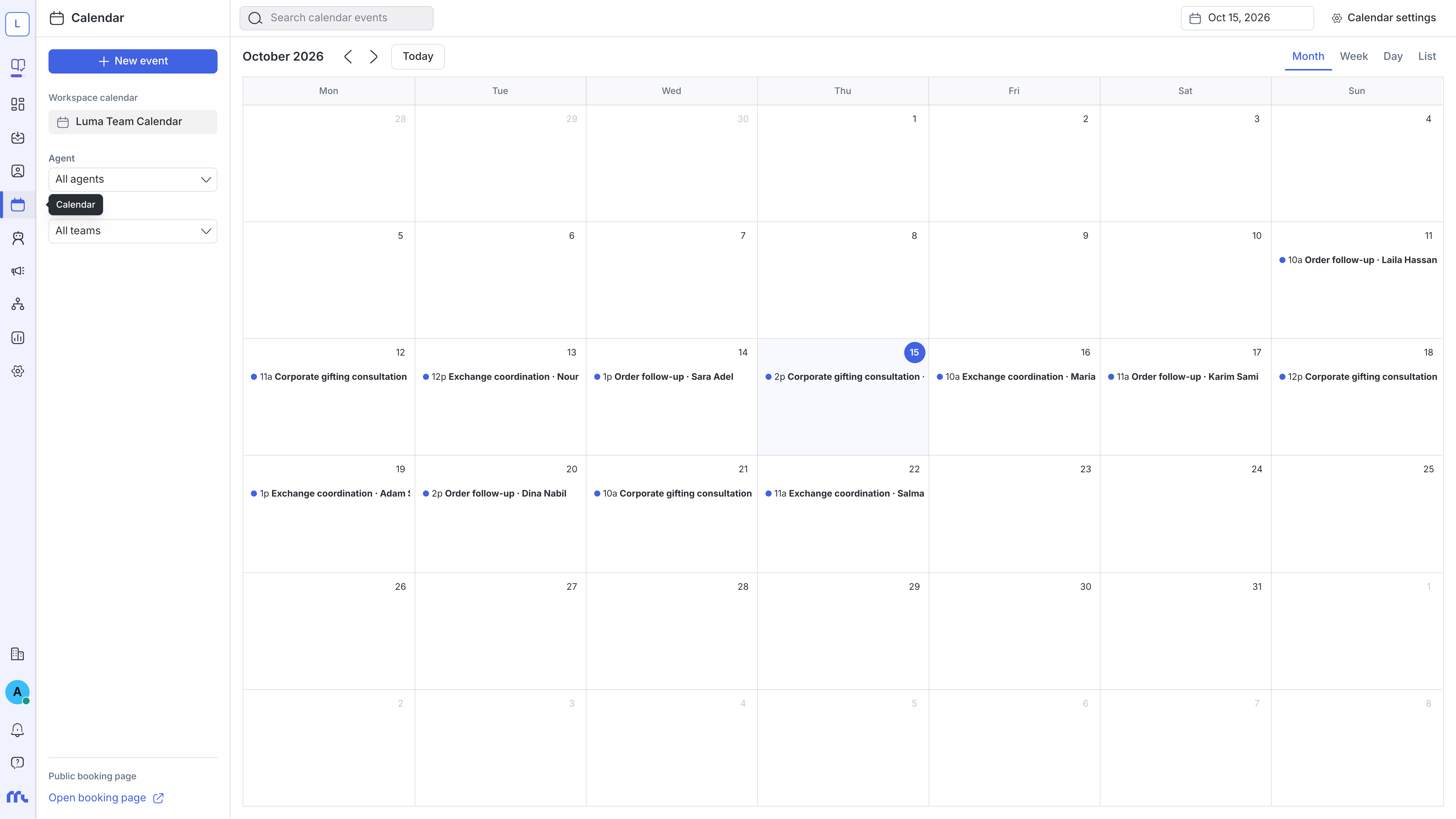
- Use configured appointments and reminders, checking availability before confirmation.
An example workflow
1
A customer asks about a service or appointment
2
Collect the branch, service and preferred time
3
The teammate or integration checks availability
4
Send confirmation and follow up changes
Prepare before launch
- Channel accounts and connection permissions.
- Teams, branches and ownership for each request type.
- Approved response information and only necessary customer details.
- Integrations, messages and human-handoff rules.
How to evaluate the setup
Start with sample conversations and check message delivery, clear ownership and accurate data. Review response, resolution and team feedback before increasing volume.
Use the platform for communication and scheduling. Refer medical questions and treatment decisions to qualified professionals and avoid collecting unnecessary health information.